
Download MacFamilyTree 8 – Genealogy Software for Mac, iOS, 4K Charts
Overview
MacFamilyTree 8 is a powerful, yet user‑friendly genealogy application designed specifically for Apple users. Whether you are a seasoned family historian or just beginning to explore your roots, this version brings a fresh set of tools that make charting, researching, and sharing your family story effortless. The software embraces modern hardware capabilities, delivering crystal‑clear 4K‑resolution family trees that look stunning on Retina displays.
One of the standout features is its cloud‑based sharing and syncing, allowing multiple family members to collaborate in real time, no matter whether they are on a Mac, iPad, or iPhone. MacFamilyTree also integrates an in‑app research engine that pulls data from major genealogy databases, making it possible to verify dates, locations, and relationships without ever leaving the program. The interface has been redesigned with a cleaner layout, drag‑and‑drop editing, and customizable themes that let you personalize the look of each chart.
Security is a priority; all cloud data is encrypted, and the app adheres to Apple’s privacy standards. In short, MacFamilyTree 8 combines visual elegance, collaborative power, and deep research capabilities into a single, secure platform that helps you preserve and celebrate your family heritage for generations to come.
Core Features & Cloud Collaboration
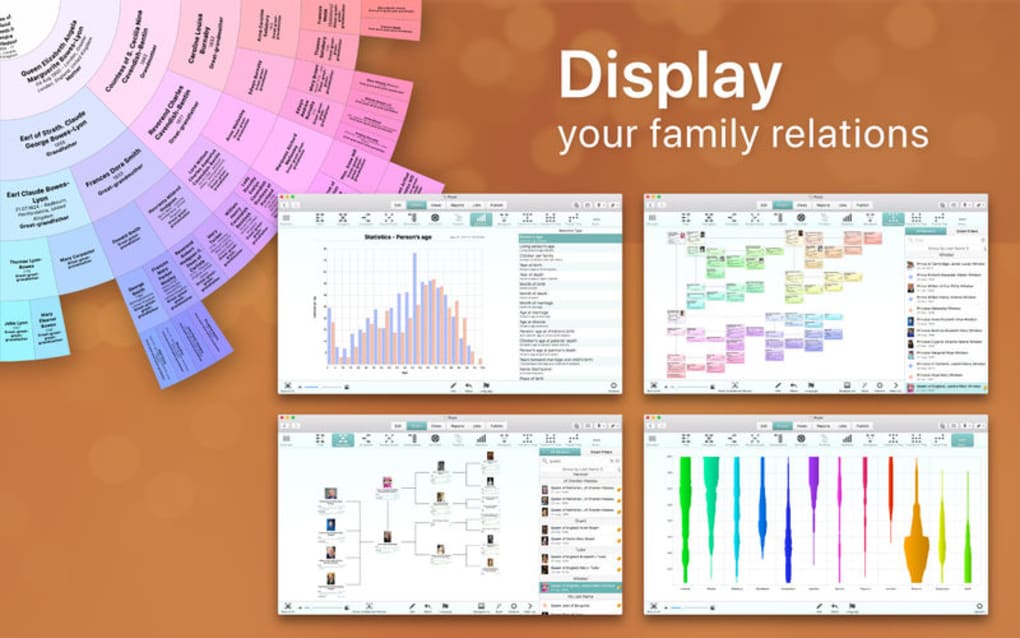
- 4K‑Ready Charts: Render family trees at native 4K resolution for crisp, professional‑grade prints and on‑screen viewing.
- Cloud Sync & Sharing: Real‑time collaboration through iCloud, enabling family members to edit, comment, and view updates instantly across macOS, iOS, and iPadOS devices.
- Integrated Research Engine: Access census records, vital statistics, and global archives directly from the app, reducing the need for external browsing.
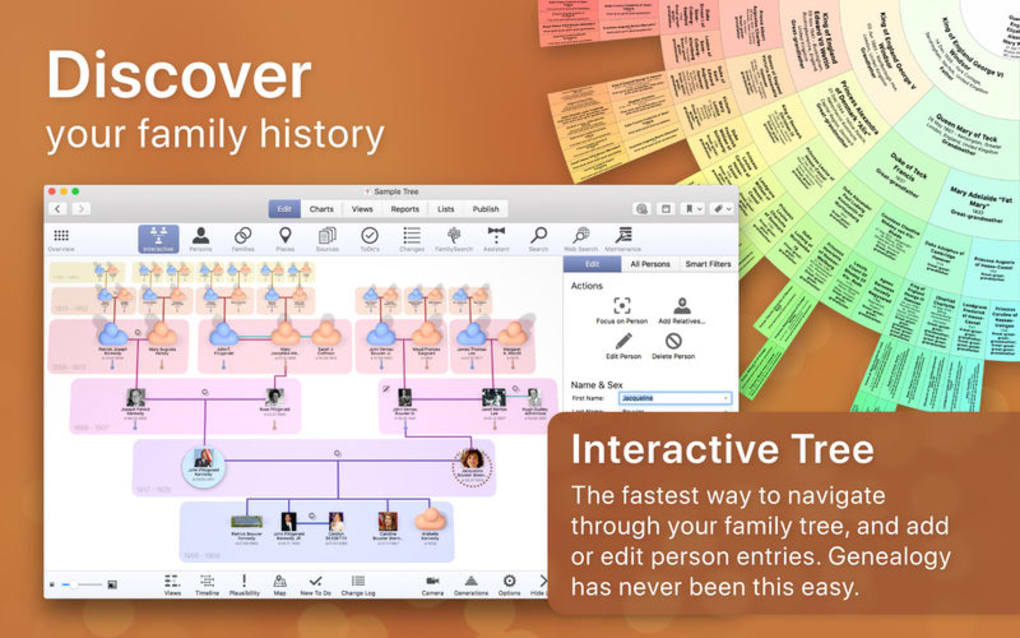
- Drag‑and‑Drop Editing: Simple interface that lets you move individuals, merge duplicate records, and restructure branches with a single gesture.
- Customizable Themes & Layouts: Choose from pre‑designed templates or create your own color schemes, fonts, and background images.
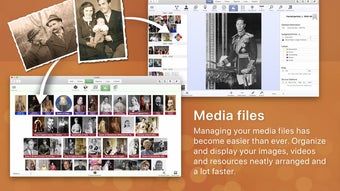
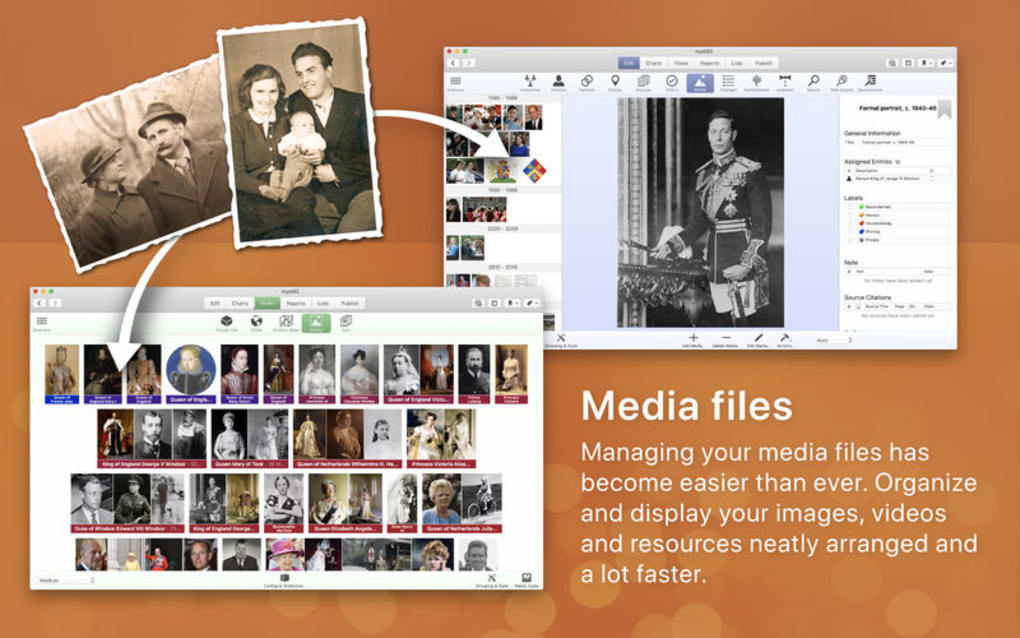
- Multimedia Support: Attach photos, audio recordings, and video clips to individual profiles, turning each entry into a living story.
- Advanced Reporting: Generate detailed PDFs, GEDCOM files, and interactive web pages for sharing with relatives or genealogical societies.
- Privacy & Security: End‑to‑end encryption for all cloud data, two‑factor authentication support, and compliance with GDPR and Apple’s privacy guidelines.
- Offline Mode: Work on your tree without an internet connection; changes sync automatically once you’re back online.
- Regular Updates: Free lifetime updates that bring new data sources, UI enhancements, and performance improvements.
Installation, Usage & Compatibility
Step‑by‑Step Installation
1. Visit the Mac App Store or the official MacFamilyTree website and click the “Download” button. The installer is a signed .dmg file, ensuring a secure download.
2. Open the .dmg and drag the MacFamilyTree icon into your Applications folder. macOS will verify the app’s developer certificate before allowing it to run.
3.
Launch the program for the first time; you’ll be prompted to grant permissions for iCloud access and microphone use (for audio notes).
4. Create an Apple ID if you don’t already have one – this is required for cloud syncing.
5. Follow the onboarding wizard, which guides you through creating your first family tree, choosing a theme, and importing existing GEDCOM files.
Getting the Most Out of the App
After installation, the dashboard presents a “Start New Tree” button alongside shortcuts to recent projects. Use the Search Bar at the top to locate individuals quickly, and the Toolbar offers one‑click access to add parents, spouses, or children. The Research Panel on the right side pulls records from partner databases; you can filter results by year, location, or document type.
When you find a match, simply click “Attach” to link the source to the relevant person. For families spread across multiple devices, enable iCloud Sync in Preferences → Accounts. This automatically backs up changes and resolves conflicts using a timestamp‑based system, so the most recent edit always wins.
Compatibility: MacFamilyTree 8 runs on macOS 12 Monterey or later, and it also offers a companion iOS/iPadOS app for iPhone 8, iPad Pro, and later models running iOS 15 or iPadOS 15+. The desktop version leverages Apple’s Metal graphics framework to deliver smooth 4K rendering, while the mobile app is optimized for touch gestures and offline work. Windows users can still view and edit their trees by exporting GEDCOM files and using a compatible Windows genealogy program, though native Windows support is not provided.
Pros, Cons & Frequently Asked Questions
Pros
- Stunning 4K visual quality makes printed charts look professional.
- Robust cloud collaboration keeps families connected across devices.
- Integrated research saves time and reduces the need for multiple subscriptions.
- Intuitive drag‑and‑drop interface suitable for beginners and experts.
- Strong privacy controls with encryption and two‑factor authentication.
Cons
- Exclusive to Apple ecosystem; no native Windows or Android version.
- Requires a stable internet connection for full cloud functionality.
- Advanced features (e.g., custom scripting) are limited compared to some PC‑based genealogy suites.
- Initial learning curve for users unfamiliar with Apple’s design language.
- Price point higher than basic free genealogy apps, though it includes lifetime updates.
FAQ – Your Genealogy Questions Answered
Can I import an existing GEDCOM file into MacFamilyTree 8?
Yes. From the File menu choose “Import → GEDCOM,” locate your .ged file, and the app will map individuals, families, and sources automatically. You can then edit or merge any duplicate records.
Is the iCloud sync free, or do I need a paid plan?
iCloud sync uses the storage included with your Apple ID. If your tree and attached media exceed the free 5 GB limit, you’ll need to upgrade to a paid iCloud plan, but the MacFamilyTree software itself does not charge extra for cloud features.
Can I share a read‑only version of my tree with relatives who don’t own the app?
Absolutely. Use the “Export → Web Page” option to generate an interactive HTML version that can be uploaded to any web server or shared via a link. Viewers can explore the tree without needing a Mac or a MacFamilyTree license.
How does MacFamilyTree protect my personal data?
All data transmitted to iCloud is encrypted with Apple’s end‑to‑end TLS protocol. Locally, the app stores information in the macOS Keychain, and you can enable two‑factor authentication for an extra security layer.
What happens to my tree if I upgrade to a newer macOS version?
MacFamilyTree 8 is continuously updated to stay compatible with the latest macOS releases. When Apple rolls out a new OS, the developers release a patch within a few days, ensuring your data remains accessible and fully functional.
Conclusion & Call to Action
MacFamilyTree 8 stands out as one of the most polished genealogy solutions on the Apple platform. Its combination of 4K‑ready visual quality, seamless iCloud collaboration, and built‑in research tools provides a comprehensive environment for anyone serious about preserving family history. While the lack of a native Windows version may limit cross‑platform teams, the depth of features, strong security, and lifetime updates more than compensate for that gap. If you’re ready to transform scattered records into a living, shareable family story, there’s no better time to download MacFamilyTree 8. Click the button below to get the secure, free trial and start building your legacy today.







